
Getting Started - Creating an account
Creating an Account in Brick River
To use Brick River, you’ll need a user account. An account gives you access to the dashboard where you can manage websites, emails, events, contacts, and more. This article explains how to create a new account and log in for the first time.
Prerequisites
- An invitation from your organization’s Brick River administrator.
- A valid email address you can access (required for account setup and password resets).
Steps
- Check your email for an invitation link from Brick River.
- Subject line: “Welcome to Brick River's console”
- Click the invitation link to open the account setup page.
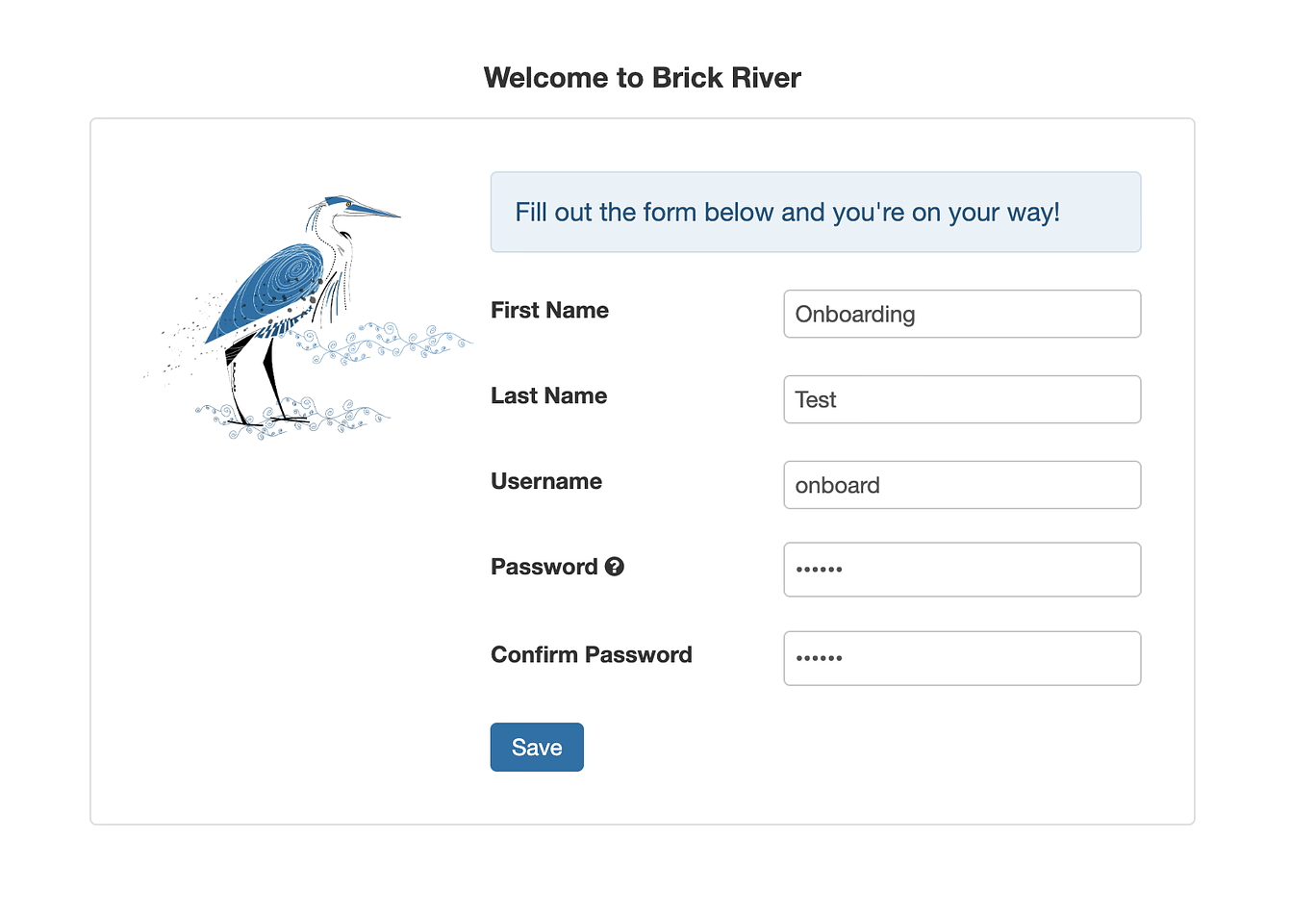
- Enter your details:
- First Name
- Last Name
- Username (pre-filled from your invitation)
- Create a secure password
You’ll be logged into your organization’s Brick River dashboard!
Tips
- Choose a password with at least 8 characters, including a mix of letters, numbers, and symbols.
- If you don’t receive your invitation email, check your spam or junk folder.
- Each account is tied to your email address. Use your work or organizational email if possible.
- The links are available for the limited time, use in a timely manner.